Crystal Report Installation
Double Click on Crystal Report Installation file
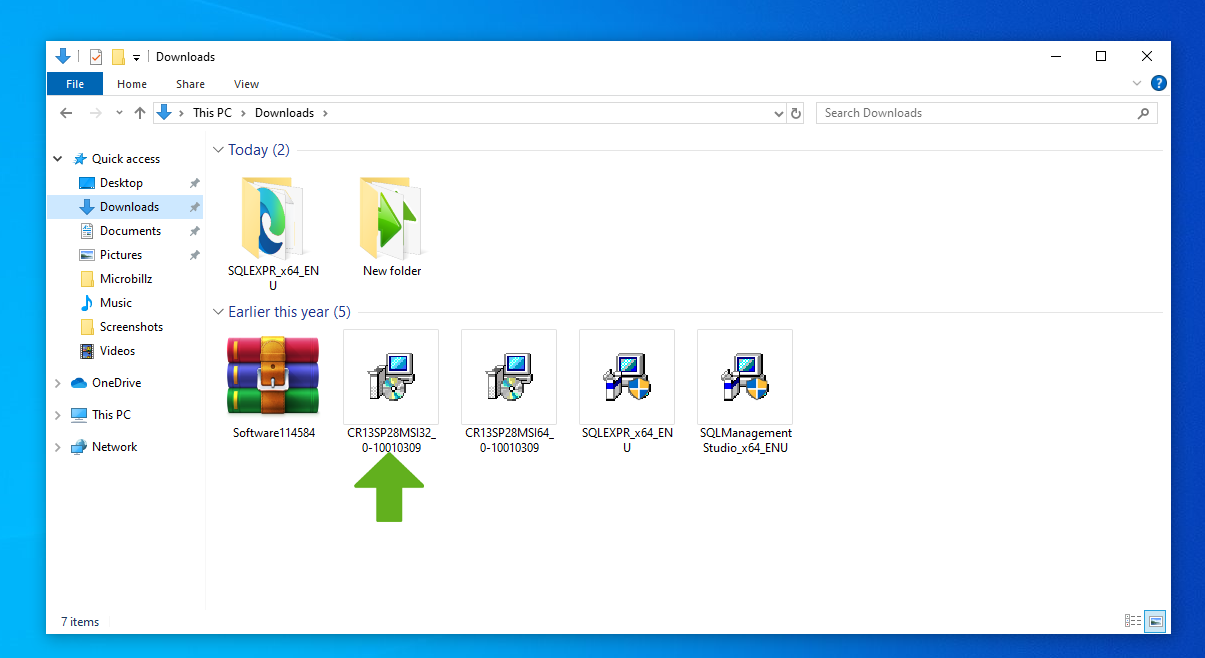
A new window open to welcome the SAP Crystal Reports file ,click Next button

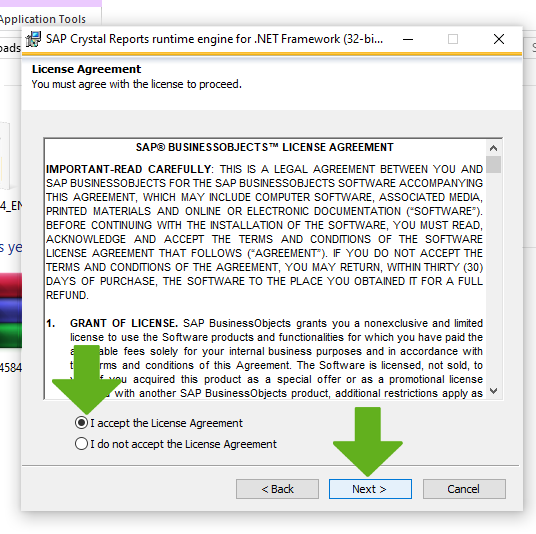
Then accept the License Agreement and click Next button
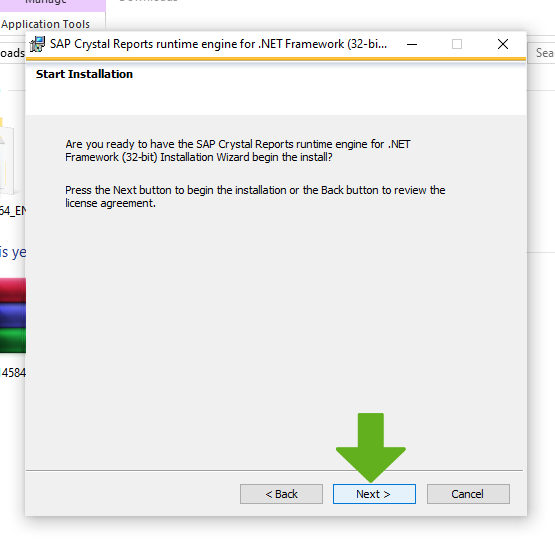
Starting Installation process after clicking the Next button
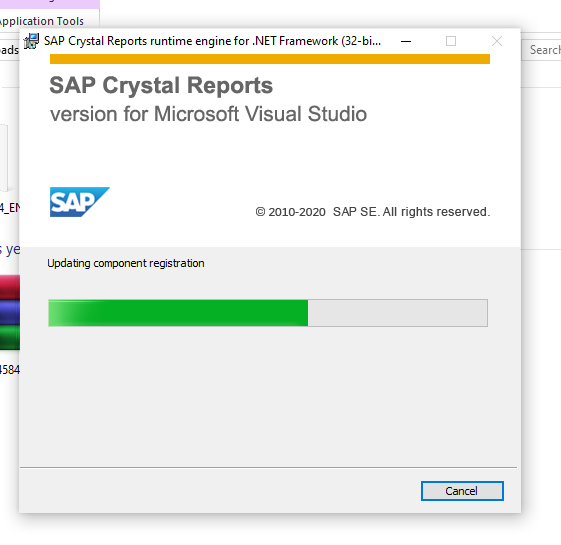
SAP Crystal Reports version for Microsoft Visual Studio window opens and updating registration
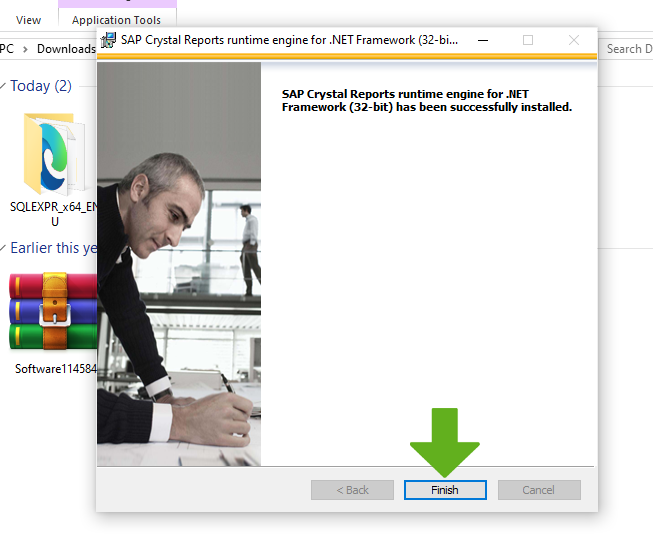
Finally the installation of SAP Crystal Reports completed and then click on Finish button
tes

tes

tes
