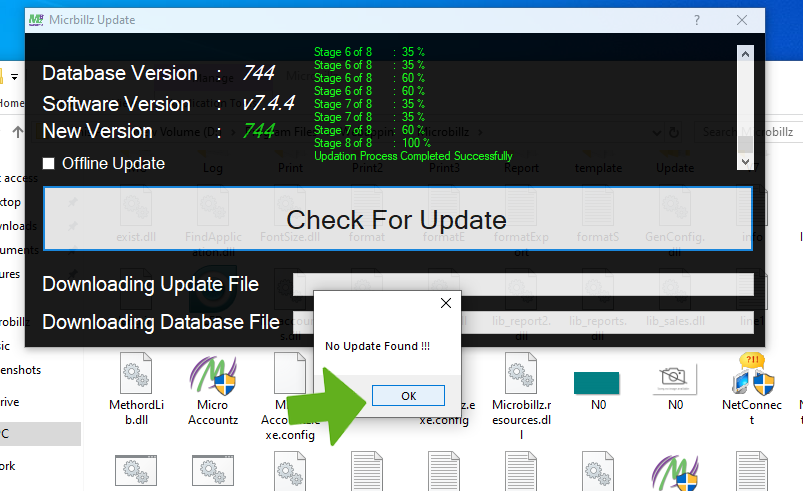
How to Update Microbillz
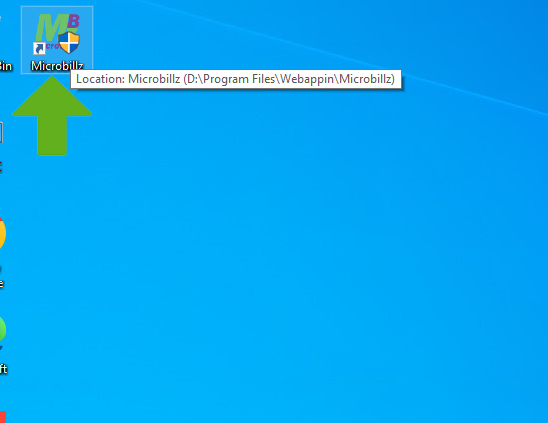
Double click on Microbillz menu
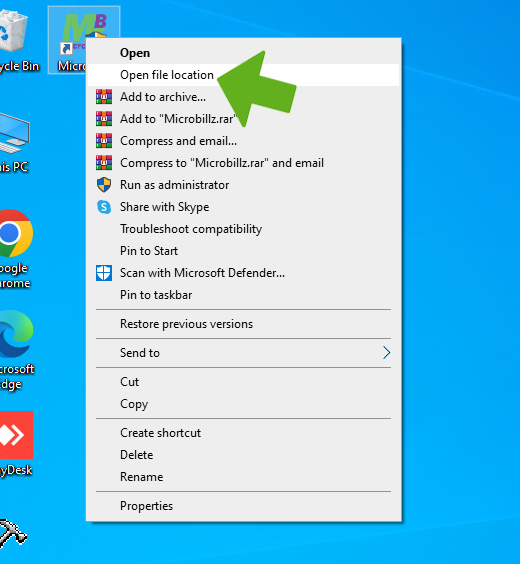
Select Open File Location
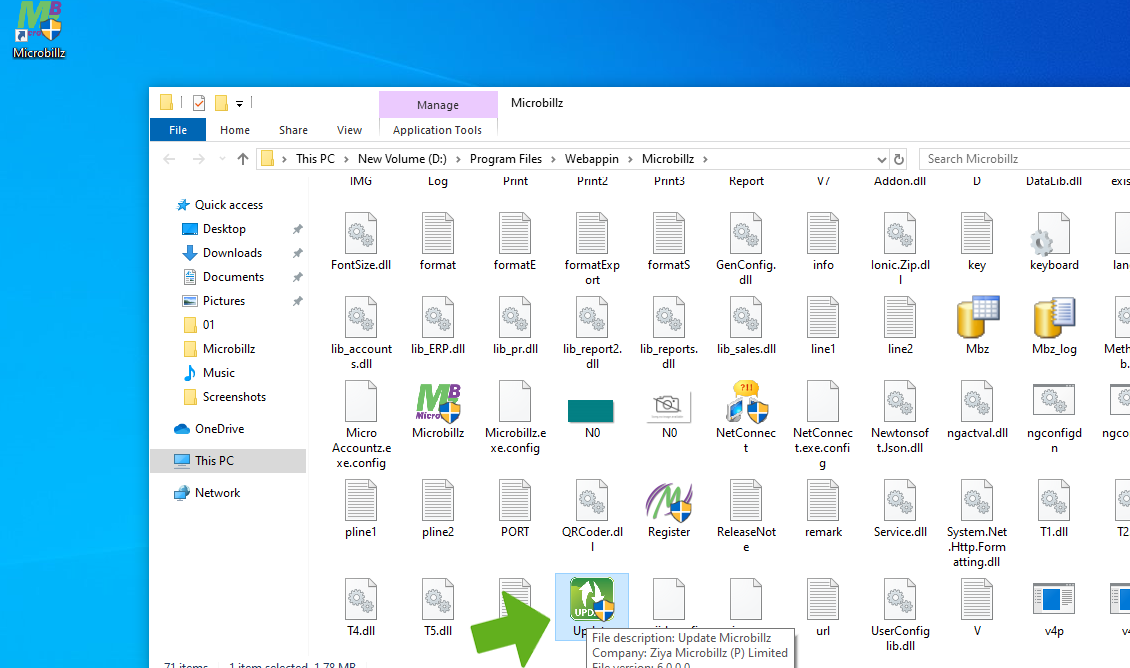
Choose Update file
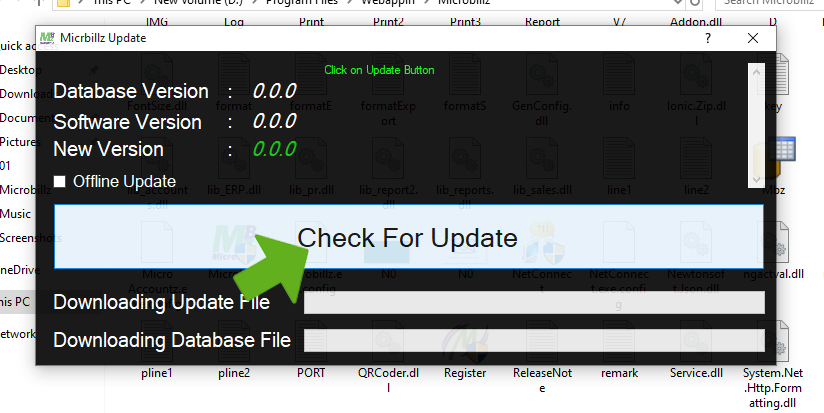
Check for Update message appears and then click on Update button
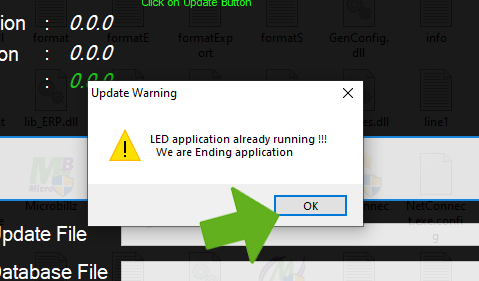
Update warning window appears then click Ok button
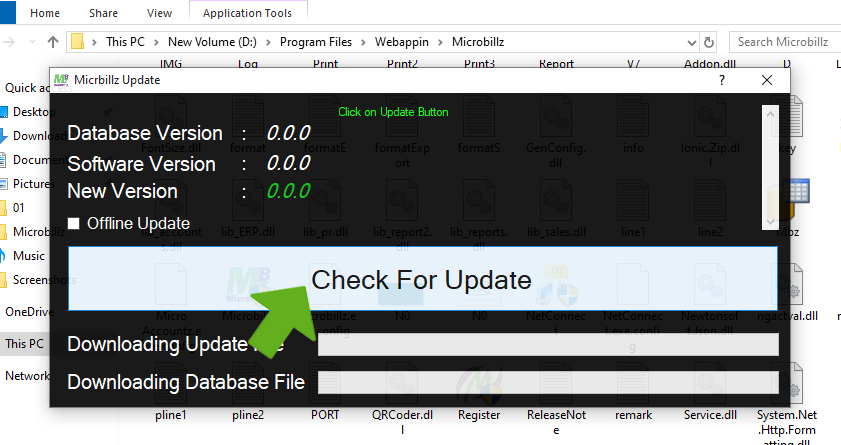
Again click on Update button
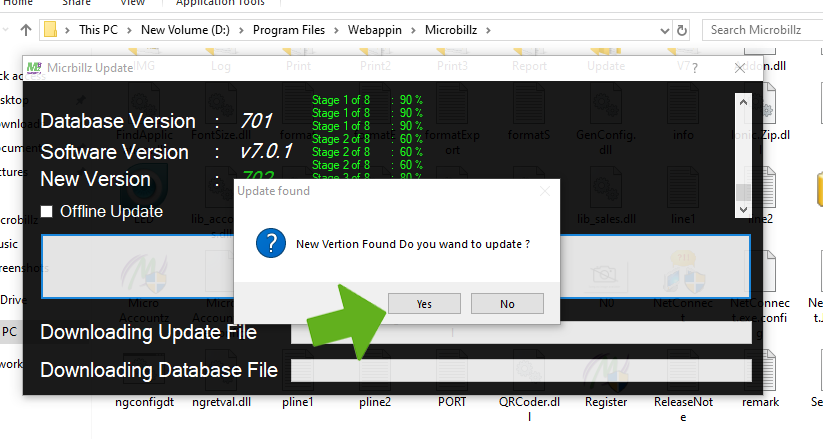
Asking for Updation, Click on Yes button

Updation starts from 701 and wait till 744
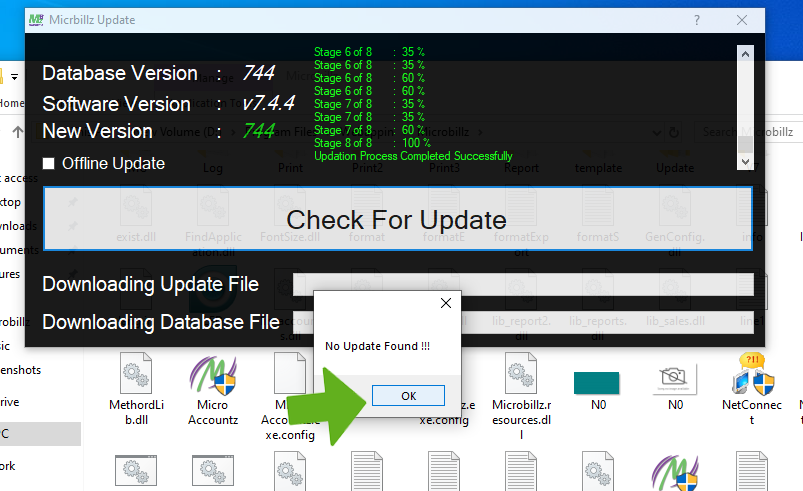
Progressing updation
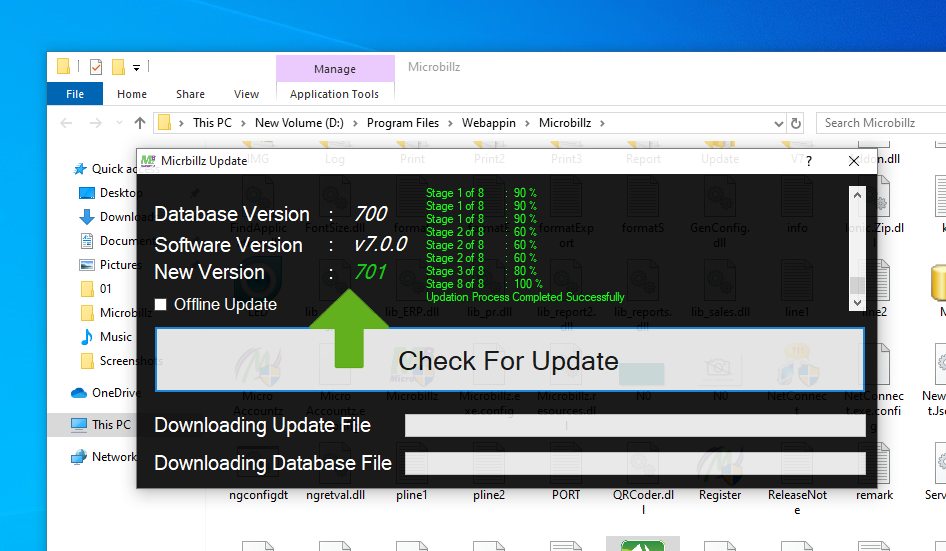
Asking for Updation , then click Yes button
Updation process completed successfully,then click Ok button