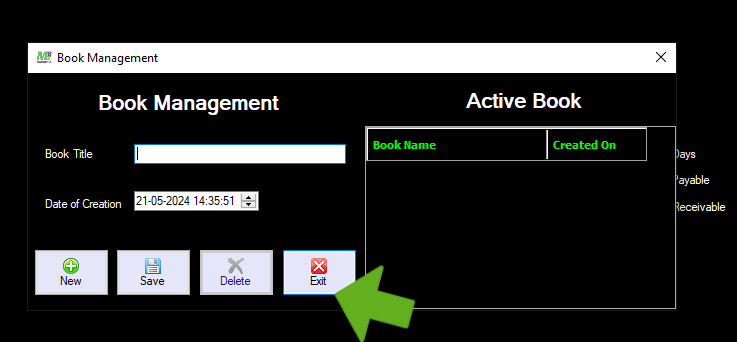
Book Management
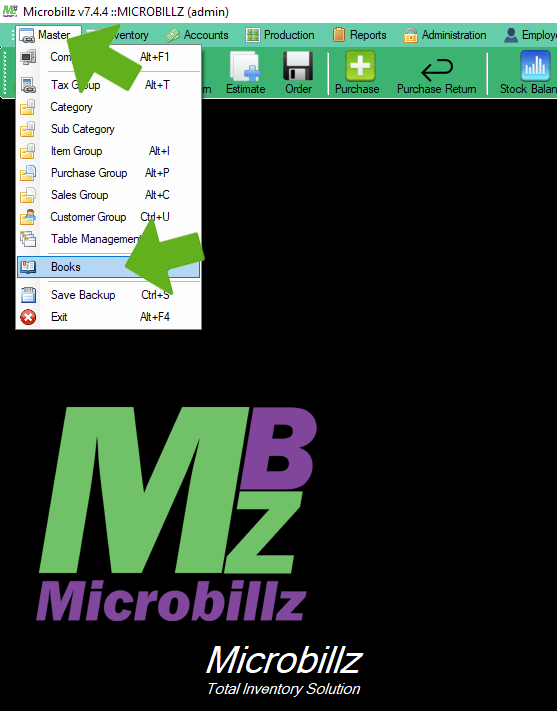
Select Books from the Master menu
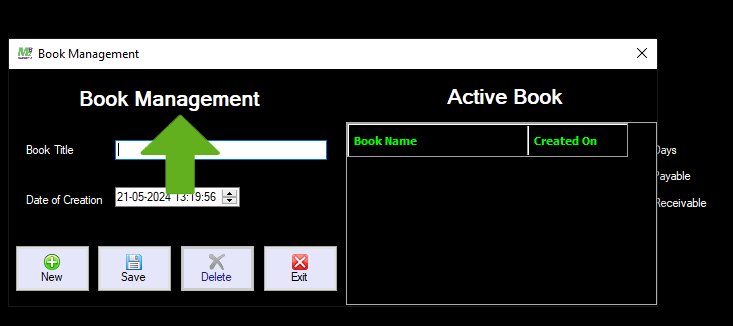
Book Management window appears
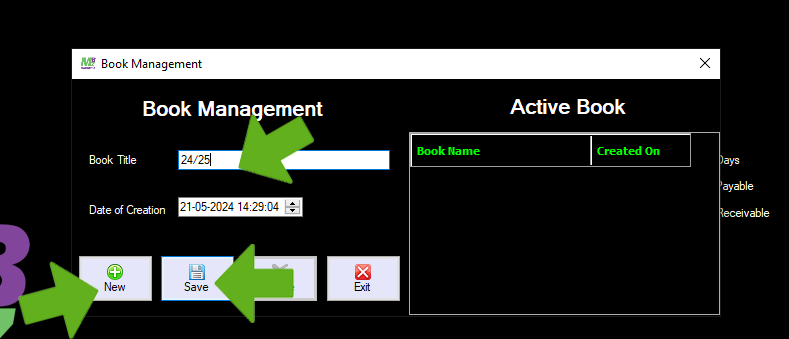
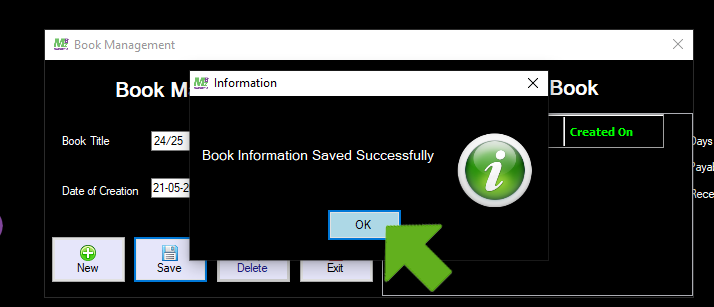
Click New button,then enter Book Title and save
Saved message appears and then click Ok
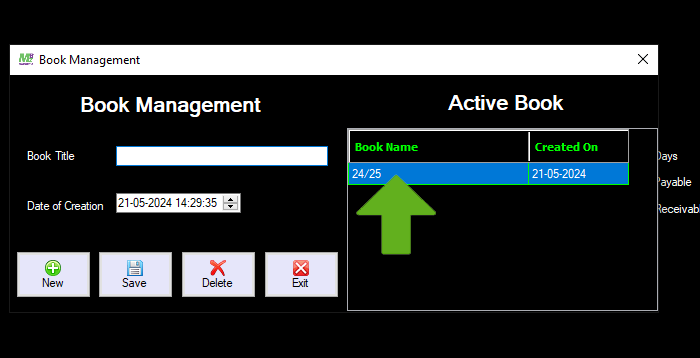
Book Title saved in the Active Book list
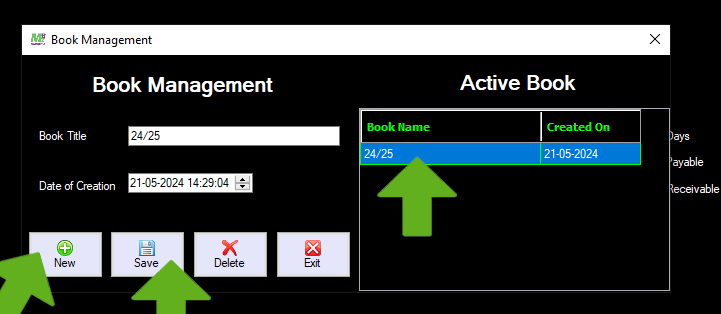
To Edit Book Title, First click New button,then select Book Title from the Active Book list,and edit the Book name then save
Updated message appears,click Ok
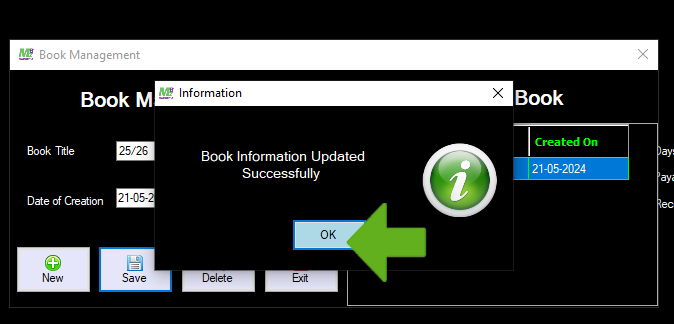
The edited new name appears on the Active Book list
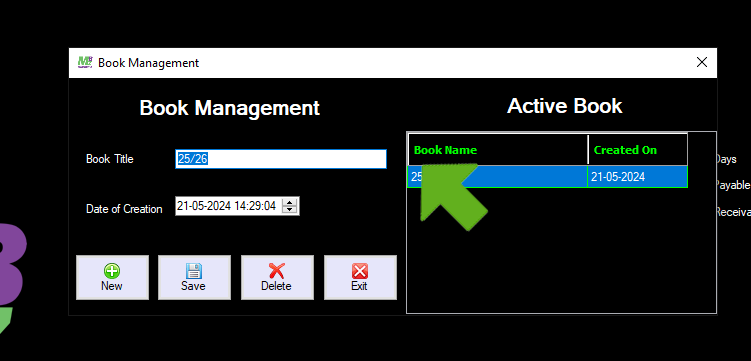
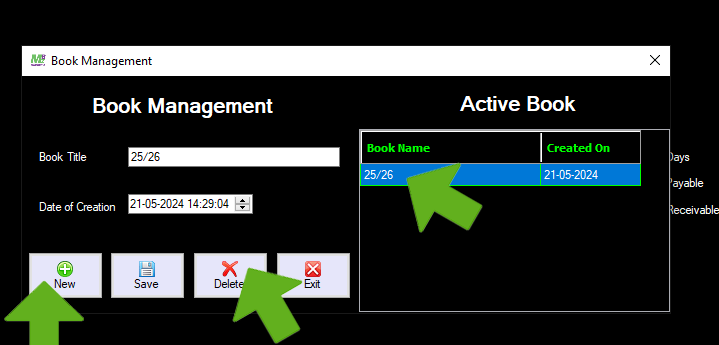
To Delete the current Book name from the list, click New button,then select Book name from the list, and click Delete button
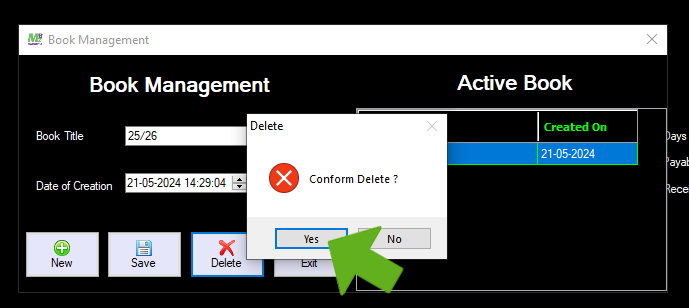
Click Yes button
Book name deleted from the list
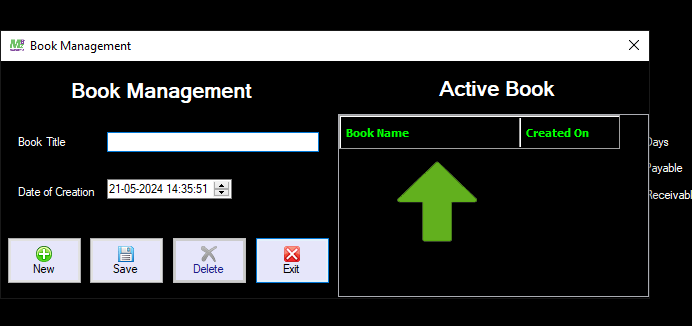
Click Exit button to exit