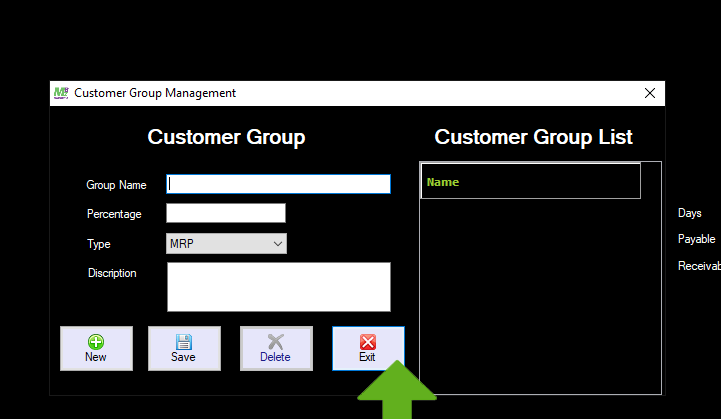
Customer Group Management
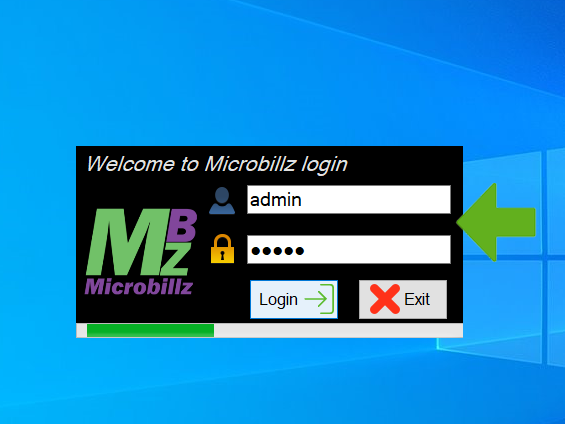
Doubleclick on Microbillz shortcut menu

Login with admin & password ,login progressing
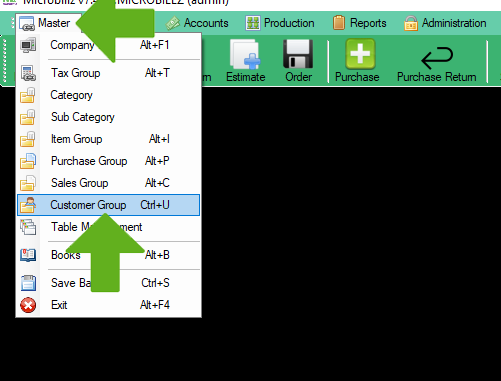
Choose Customer Group Management from the Master menu
A new window opens
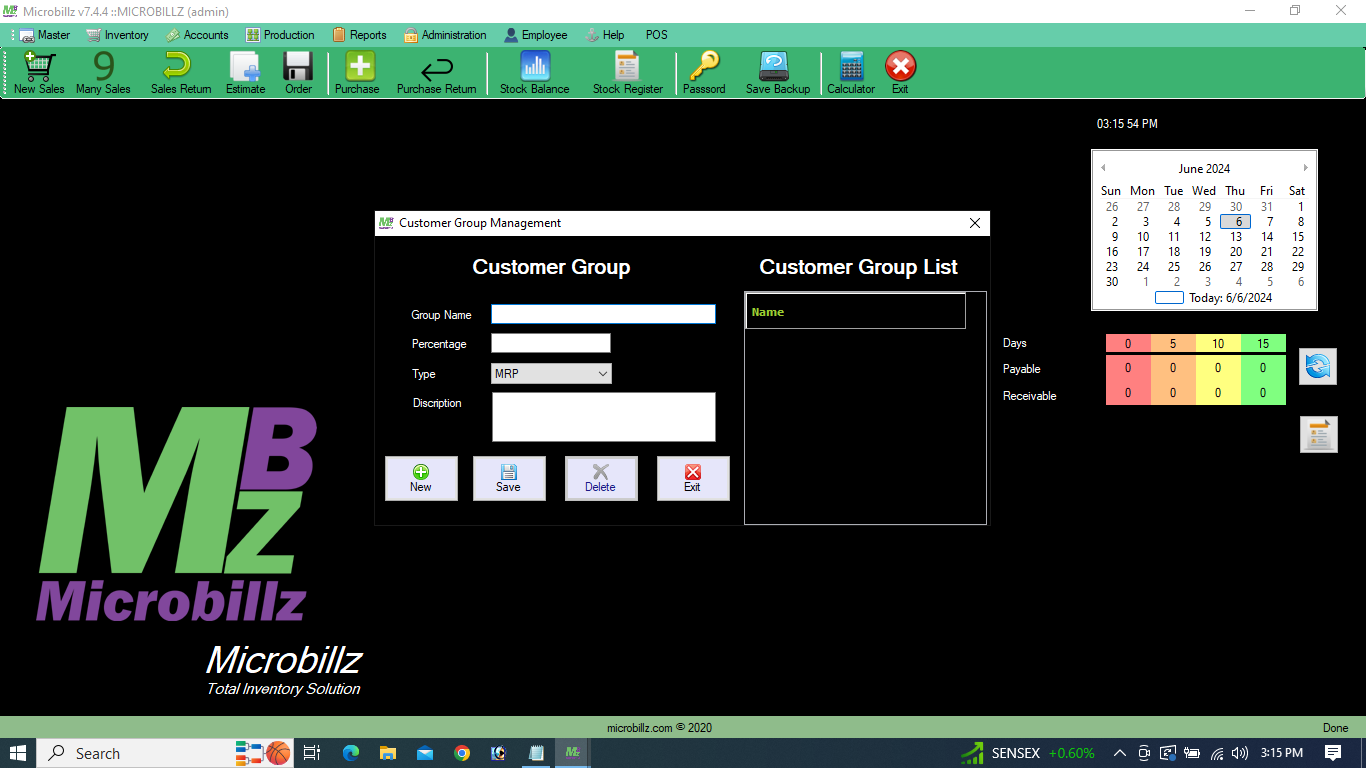
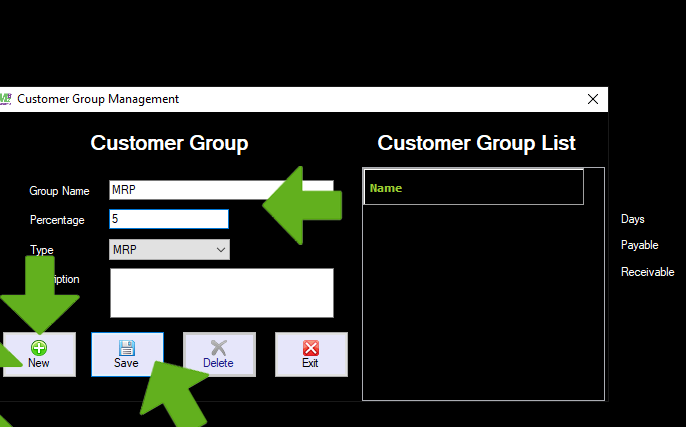
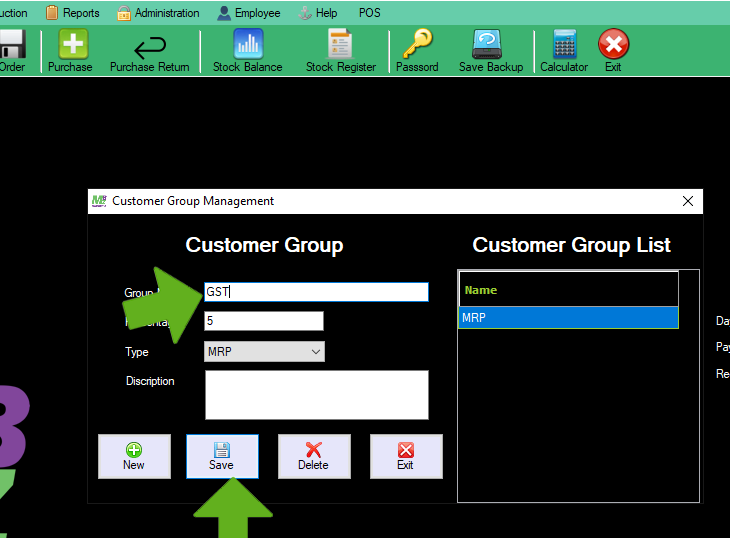
Click New ,then enter Group Name,% and Save
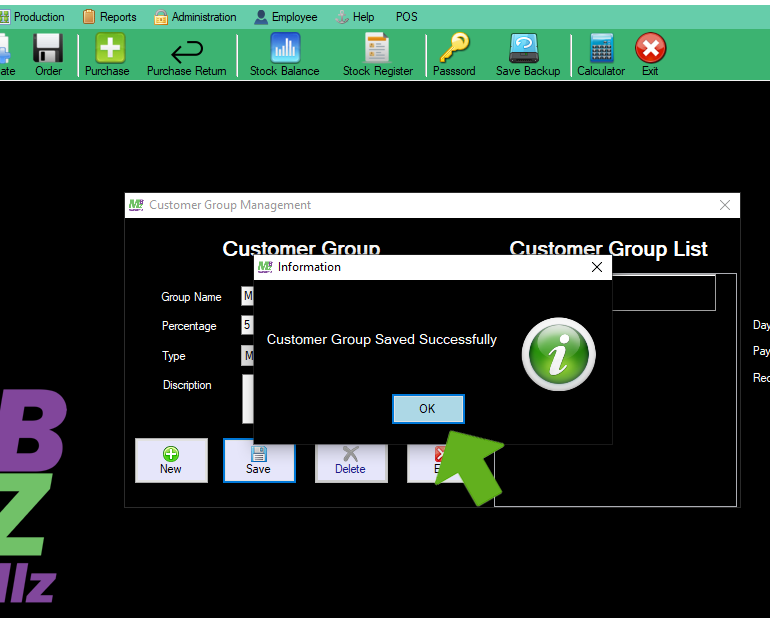
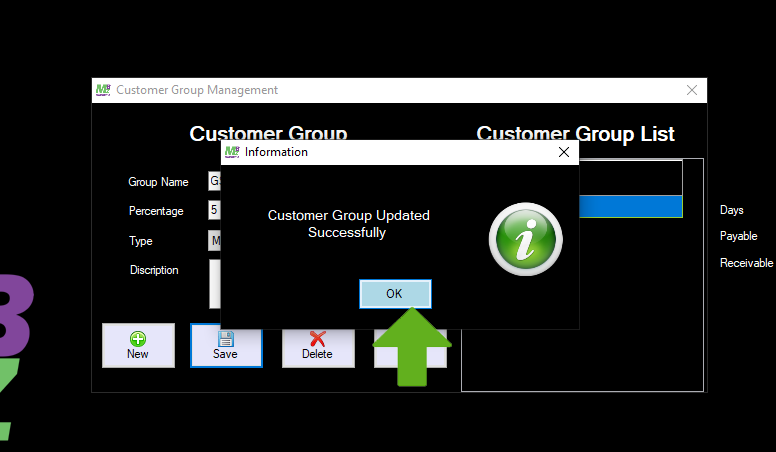
Saved successfully message comes,click Ok
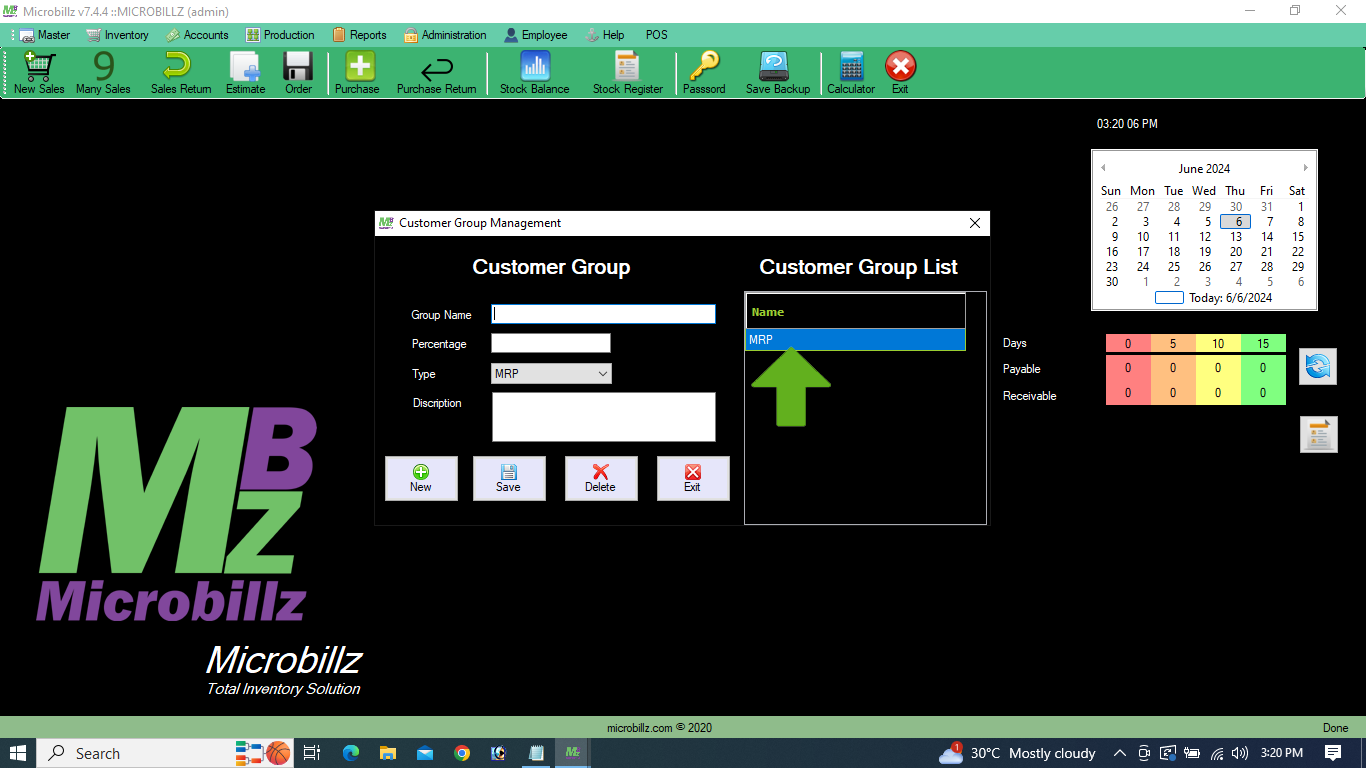
See the saved Group name in the Customer Group List
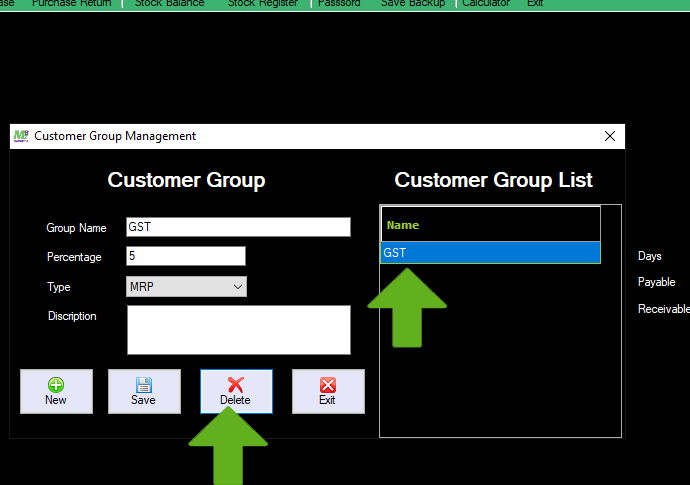
To Edit the Group name from the list, select the particular name from the list
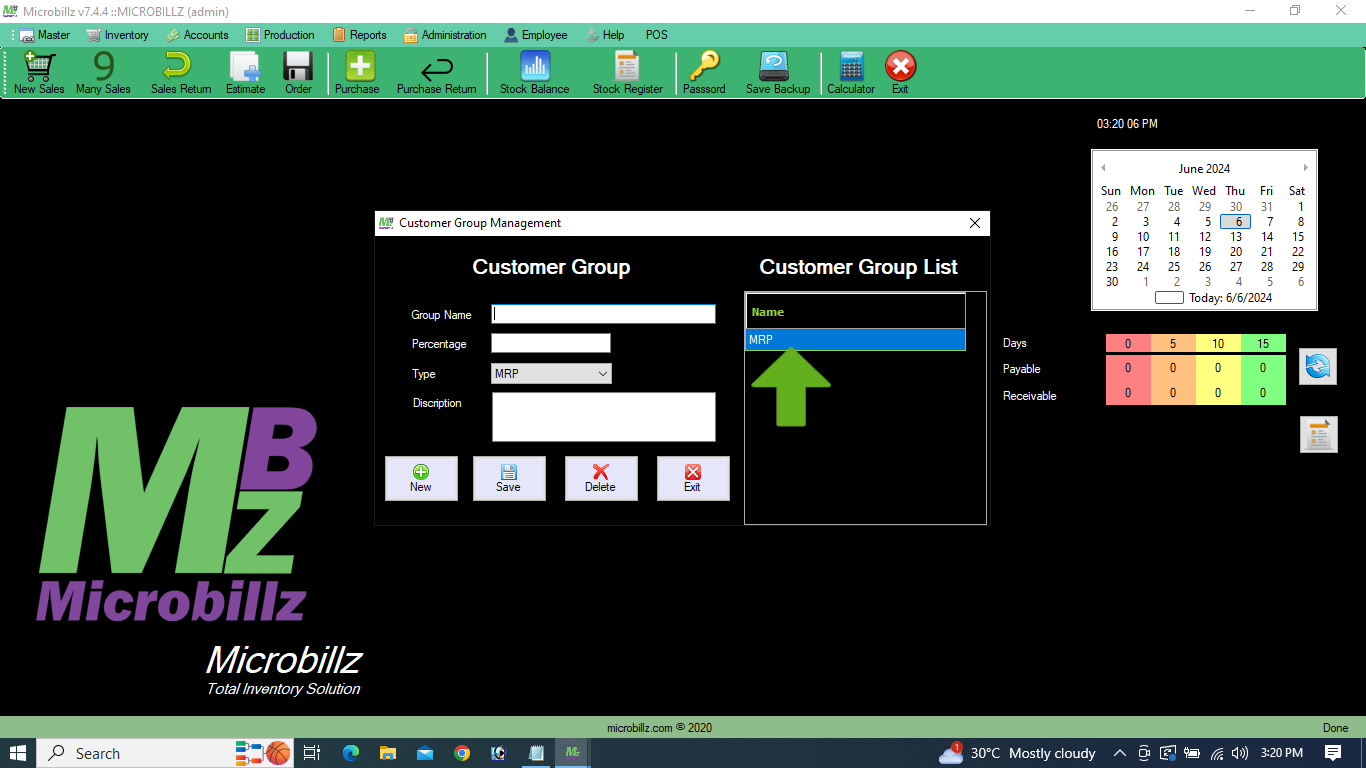
Edit the selected name in the Group name column and save
To delete the existing name from the list, select the name and click Delete option
See the Delete confirmation msg, click Ok
To Exit from the window,click Exit button