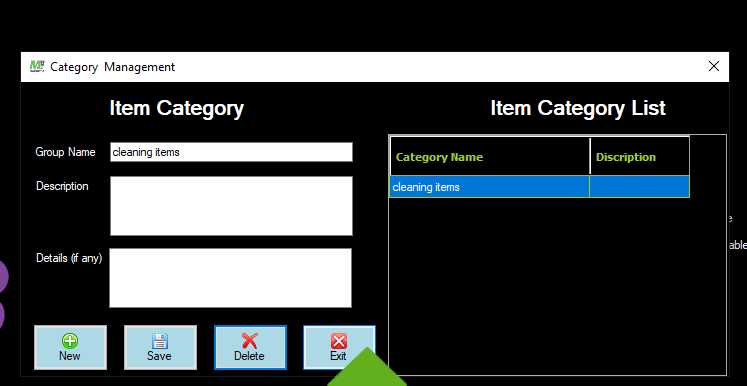
Category Management
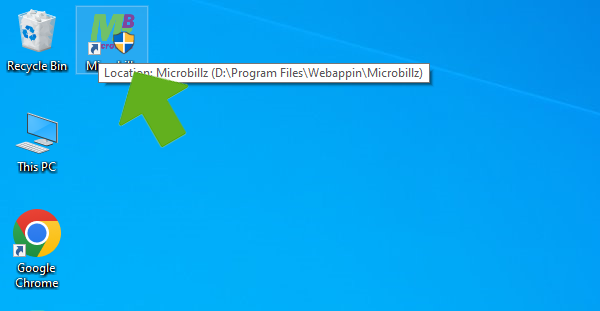
Double click on Microbillz shortcut menu
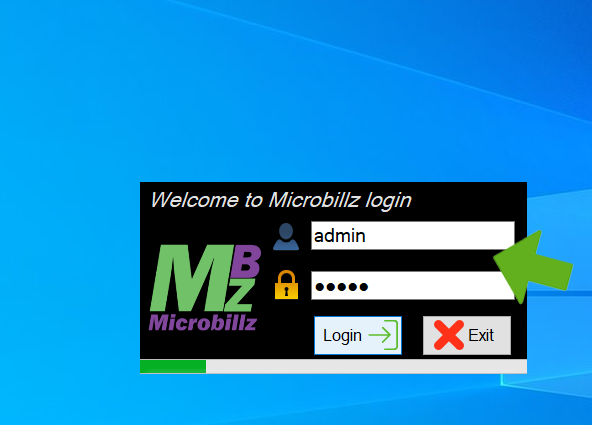
Enter admin and password ,then login, login progressing
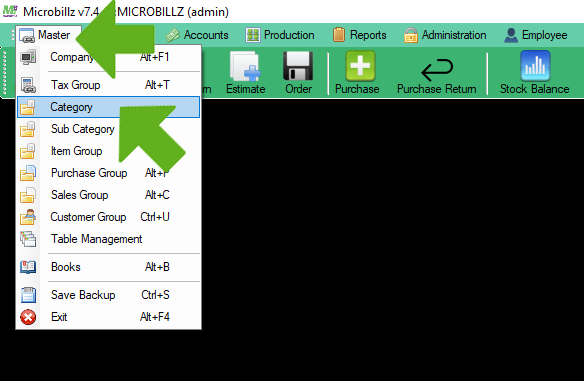
Choose category from the Master menu
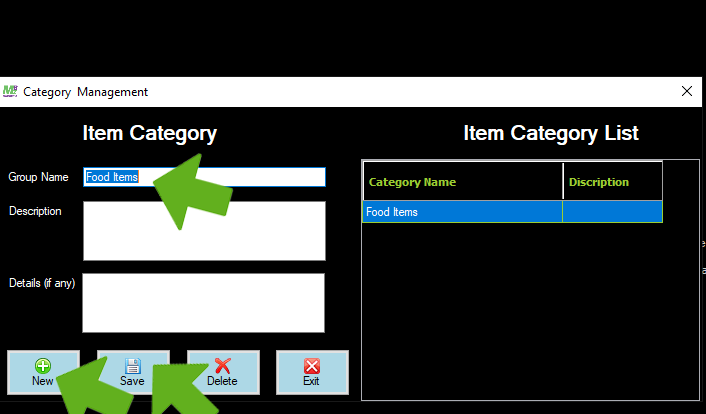
CategoryManagement window opens,then click new , enter group name and save
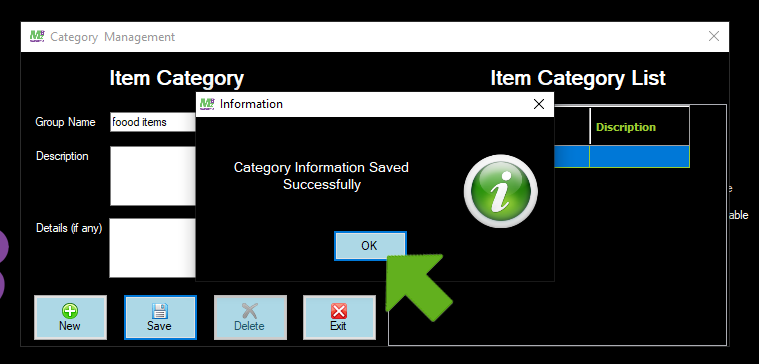
Group name saved sccessfully, click ok
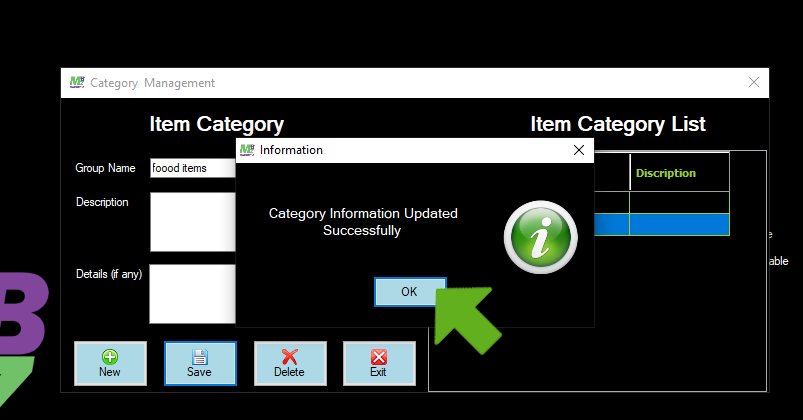
To edit the saved item from the list, select the particular item and click save button

Updaed successfully , click ok
To delete any item from the list, select the item and click delete button, delete confirmation message appears ,click ok

Click Exit button to exit from the window